Challenge
The challenge was to develop an interactive, game-based learning experience that would help graphic design students recognize and apply appropriate UX/UI design patterns to solve realistic interface design problems. Although students may understand foundational design principles, selecting the right UI patterns requires considering user needs, interface functionality, and the context in which a design will be used. The goal was to move beyond traditional instruction by creating an engaging environment where learners could practice making design decisions through authentic workplace scenarios.
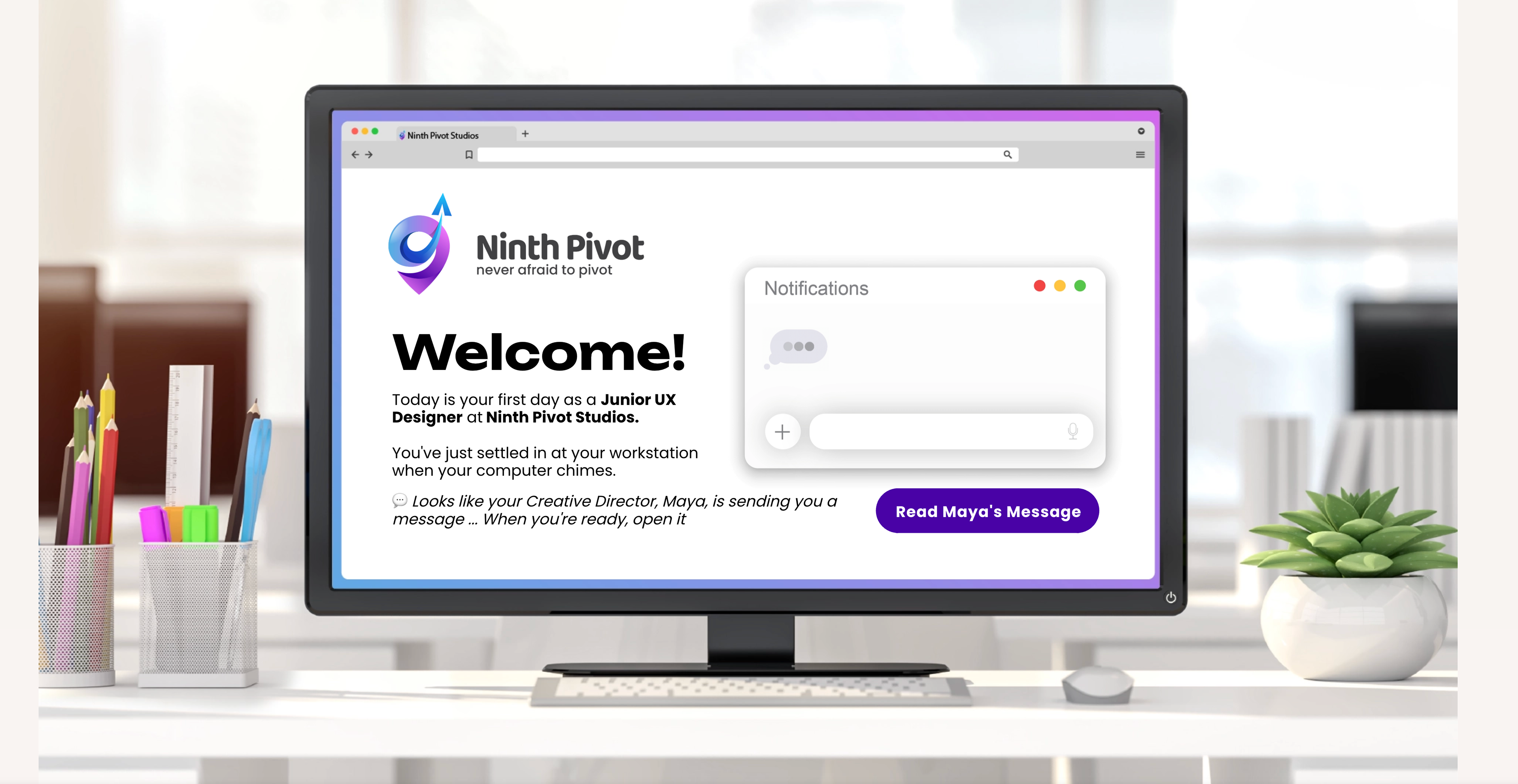
To address this challenge, I developed Ninth Pivot Studios, an interactive learning game using Genially. The experience places learners in the role of a junior UX/UI designer working at a fictional design agency. Guided by a creative director, players navigate client briefs, evaluate interface challenges, and select appropriate UI patterns to improve the user experience across four different projects.
Each project presents a unique design challenge, including improving an onboarding experience, refining product filtering, organizing banking navigation, and enhancing an e-commerce product carousel. Learners must analyze the problem, consider the user's needs, and select the most appropriate design solution. Additional design tasks reinforce attention to details such as branding, pricing, interface status, and product information.
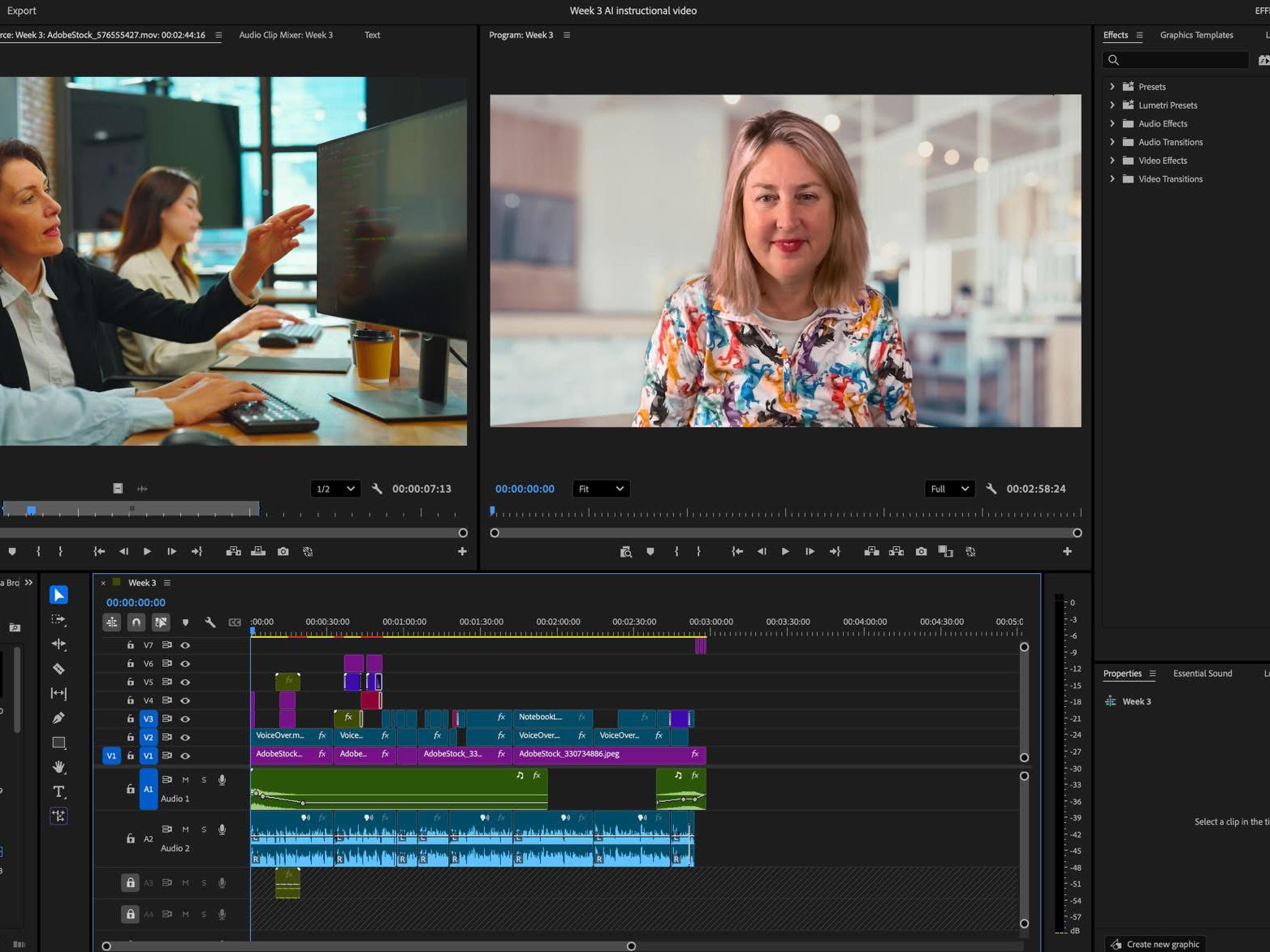
The instructional design approach combined scenario-based learning, narrative storytelling, progressive challenges, and gamification to encourage active participation and practical application. Players earn Designer XP for correct decisions and receive immediate feedback explaining how their choices influence the user experience. I also developed a companion walkthrough video explaining the instructional decisions behind the game, including the workplace narrative, branching interactions, scoring system, and feedback strategies.

Deliverables
Key Competencies
Game-Based Learning · Scenario-Based Learning · Gamification · Branching Decisions · Interactive eLearning · Instructional Feedback UX/UI Pattern Recognition
Tools: Genially, Figma, Adobe Illustrator, Camtasia
Next Steps
The next step would be to pilot the game with UX/UI students and evaluate how effectively it supports their ability to recognize and apply appropriate interface design patterns. Through learner feedback, observation, and analysis of game performance, I would examine whether the client scenarios are clear, the interactions are intuitive, and students can select suitable UI patterns based on user needs and design requirements.
I would also evaluate whether the Designer XP system and immediate feedback effectively reinforce learning and motivate continued participation. Future development could include additional client projects, more complex design challenges, and opportunities for learners to explain their design decisions. These findings would inform revisions to the gameplay, instructional feedback, and assessment strategies, helping ensure the experience continues to support practical UX/UI skill development.